Using Google Earth Web to Tell Your Family History Migration Stories
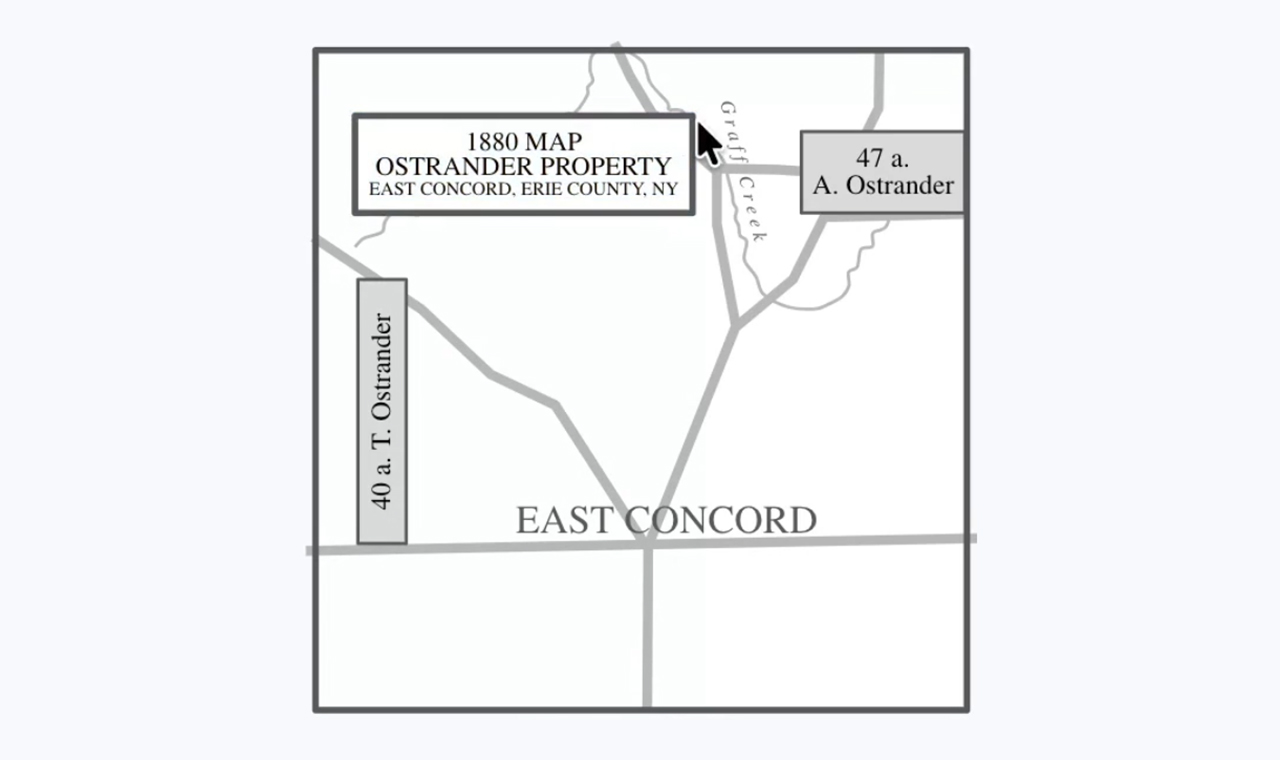
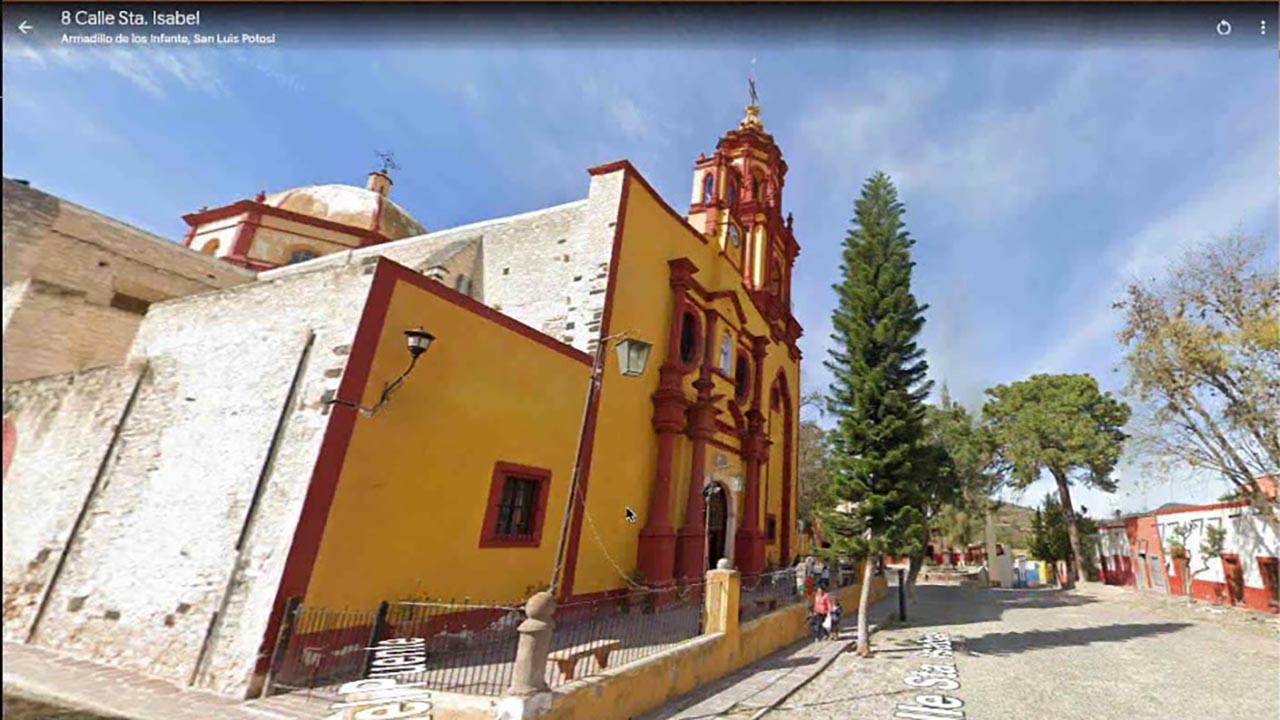
Learn how to use the free Google Earth Web platform to create and share engaging, interactive, multimedia stories that follow the footsteps of your ancestors. Although both the web and desktop versions have Google Earth in their name, they are very different. Learn how to navigate the platform interface, add multimedia content to your digital story, share your digital family history story, and preserve it. We will also discuss best practices for planning your Google Earth Web story. No coding skills needed!
Les sous-titres et la voix de cette vidéo ont été doublés en français à l’aide de l’IA.
Le logiciel de généalogie numéro 1 est probablement… Google Chrome ! Statistiquement, Chrome est le navigateur numéro 1, et tant de recherches généalogiques se font dans un navigateur. Découvrez 7 façons de rendre vos recherches généalogiques plus productives en utilisant Google Chrome.
Les sous-titres et la voix de cette vidéo ont été doublés en français à l’aide de l’IA.
Le logiciel de généalogie numéro 1 est probablement… Google Chrome ! Statistiquement, Chrome est le navigateur numéro 1, et tant de recherches généalogiques se font dans un navigateur. Découvrez 7 façons de rendre vos recherches généalogiques plus productives en utilisant Google Chrome.
The #1 genealogy software is probably…Google Chrome! Statistically, Chrome is the #1 browser, and so much genealogy research happens in a browser. Learn 7 ways to make your genealogy research more productive while using Google Chrome.
Améliorer vos recherches généalogiques : comment utiliser l’extension Chrome Google Translate
Les sous-titres et la voix de cette vidéo ont été doublés en français à l’aide de l’IA.
Saviez-vous que l’outil Google Translate sur lequel vous comptez en tant que généalogiste est également disponible en tant qu’extension de navigateur pratique ? Avec cette extension, vous pouvez traduire instantanément du texte directement sur la page que vous consultez, sans avoir à changer d’onglet ou à ouvrir une nouvelle fenêtre. C’est un moyen fluide de surmonter les barrières linguistiques tout en restant concentré sur vos recherches !
Les sous-titres et la voix de cette vidéo ont été doublés en français à l’aide de l’IA.
Saviez-vous que l’outil Google Translate sur lequel vous comptez en tant que généalogiste est également disponible en tant qu’extension de navigateur pratique ? Avec cette extension, vous pouvez traduire instantanément du texte directement sur la page que vous consultez, sans avoir à changer d’onglet ou à ouvrir une nouvelle fenêtre. C’est un moyen fluide de surmonter les barrières linguistiques tout en restant concentré sur vos recherches !
Boosting Your Genealogy Research: How to Leverage the Google Translate Chrome Extension
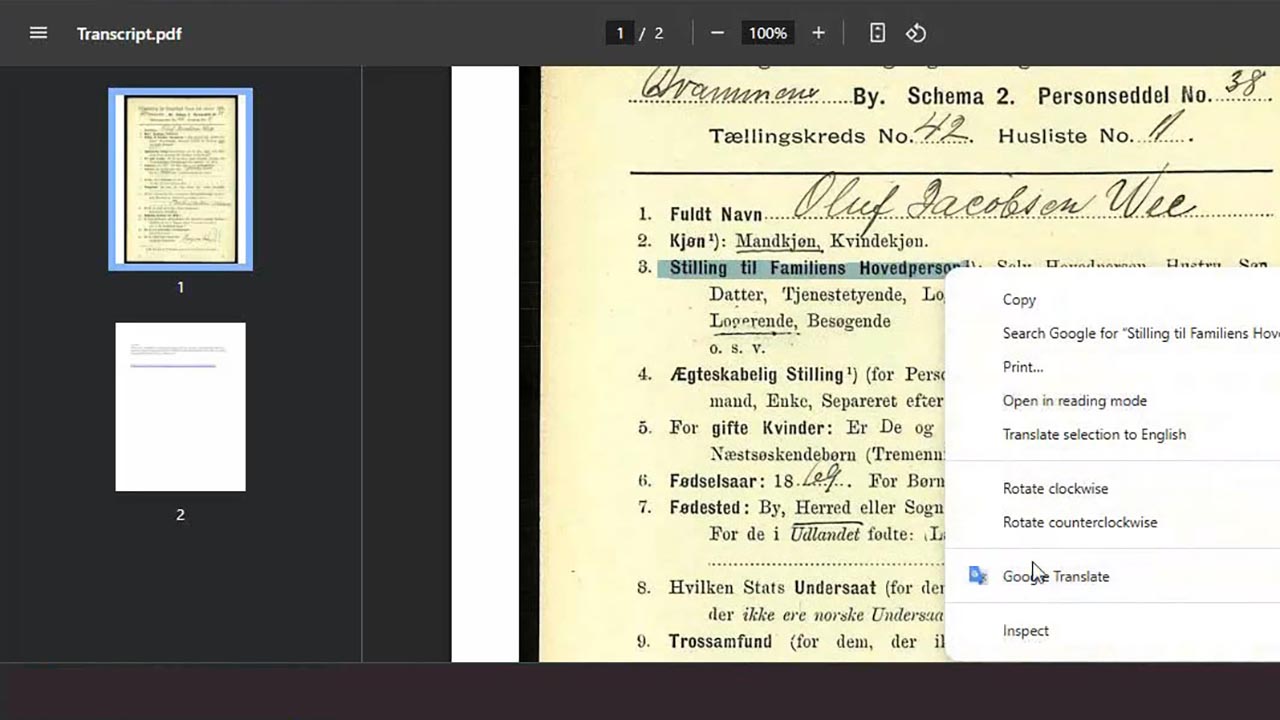
Did you know that the Google Translate tool you rely on as a genealogist also comes in a convenient browser extension? With this extension, you can instantly translate text right on the page you’re viewing, without the hassle of switching tabs or opening a new window. It’s a seamless way to break down language barriers while staying focused on your research!
It isn’t always easy to determine new content that has been added to Google, especially if you are on the hunt for information posted by others about your ancestors. Learn how to harness the power of Google Alerts and get notified via e-mail or RSS feed when anything new pops up on Google that can help your genealogy research.
This was part of the webinar, Celebrating 2,000 webinars! Plus 10 tips you can use today.
It isn’t always easy to determine new content that has been added to Google, especially if you are on the hunt for information posted by others about your ancestors. Learn how to harness the power of Google Alerts and get notified via e-mail or RSS feed when anything new pops up on Google that can help your genealogy research.
This was part of the webinar, Celebrating 2,000 webinars! Plus 10 tips you can use today.
Time and time again, we’re told to look at records in the context of the law at the time and in the place where the records were created. Easier said than done! With 50 states and the federal government all passing laws, how do we find the laws we need? One answer is Google Books—if we use it to full advantage.
Google Chrome has a reading list feature that is different from its bookmarks bar. Learn the benefits of the reading list and how to use it from Gena Philibert-Ortega.
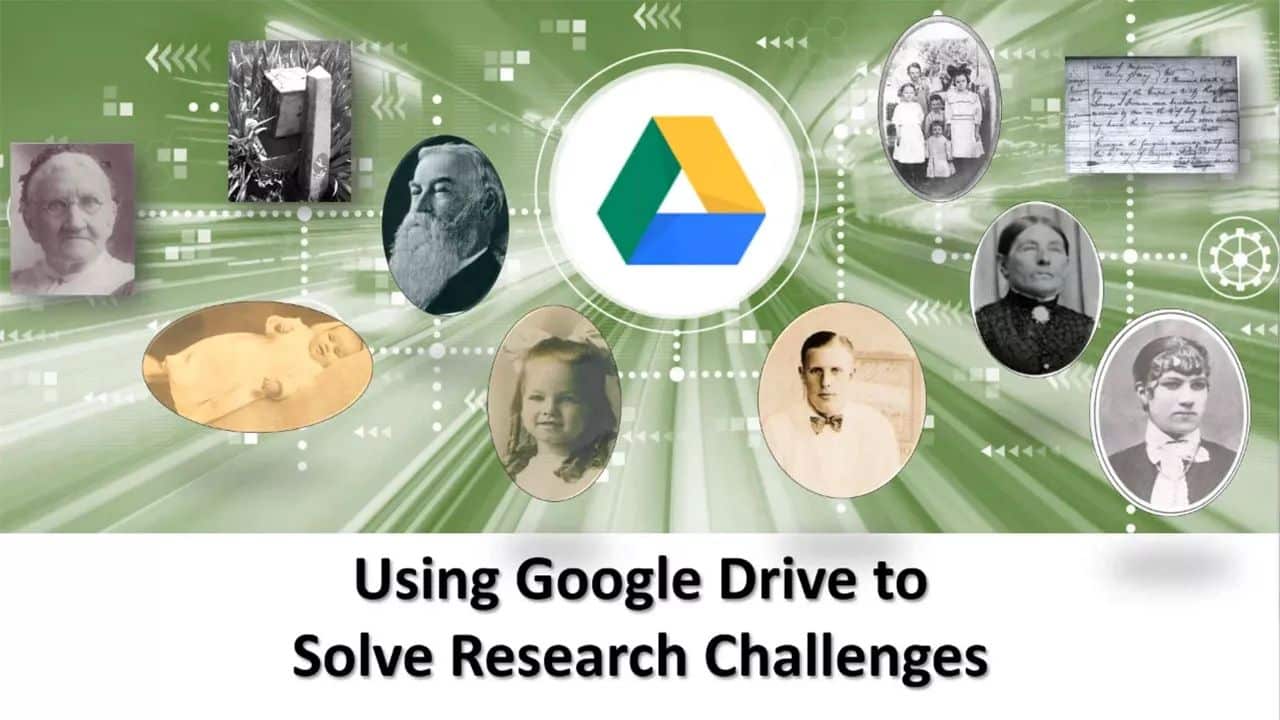
Learn how Google Drive is your free virtual sandbox for collating transcriptions, creating timelines, resolving conflicting evidence and composing our proof arguments before placing our conclusions in our genealogy database programs such as Legacy and Family Tree Builder.
Sorting DNA Matches with MyHeritage’s Theory of Family Relativity
Wed, January 28 2026: 1:00 UTC
This webinar looks at 43 Theory of Relativity matches for my mother’s DNA on MyHeritage. With a detailed paper trail, Shauna is looking for some unexplained ethnicity that is in both MyHeritage and FamilyTree DNA. What is the explanation for her Welsh and Germanic ancestry passed down on her mother’s side? Join Shauna and see if she can solve the puzzle, or is that, dig up yet another family skeleton?
Turn genealogical facts into captivating videos. This session will empower family historians who have only modest tech skills to create short, shareable videos that resonate with all ages. Using Animoto, Canva, iMovie, or Camtasia, learn to blend photos, music, and narration. The result will be magic! Discover how to digitize artifacts, and source public-domain images from places like the New York Public Library’s scanned books. Use AI transcription tools for. Attendees will leave excited to produce a 2–3-minute video story. No video editing skills are needed. This session will draw upon real examples created with the simplest of tools.
Advanced Census Research: Understanding Census Enumerators and Their Instructions
Wed, February 4 2026: 16:30 UTC
The census is one of our basic research tools, but basic doesn’t equal simple. Often a census record can raise as many questions as it answers, and some of those questions may seem unanswerable. Learn how an understanding of who the enumerators were, what their instructions prescribed, and some of the many ways they deviated from the instructions can answer many of the questions raised by census research.
By registering, you are submitting your information to Legacy Family Tree Webinars and agreeing to let us use it to contact you.
Thank you for registering!
You should receive a confirmation email with a link to the webinar soon.
You’ll also receive a reminder both the day before and one hour before the webinar begins. Didn’t receive a confirmation email?
You successfully registered for %s.
You should receive a confirmation email with a link to the webinar soon.
You’ll also receive a reminder both the day before and one hour before the webinar begins. Didn’t receive a confirmation email?