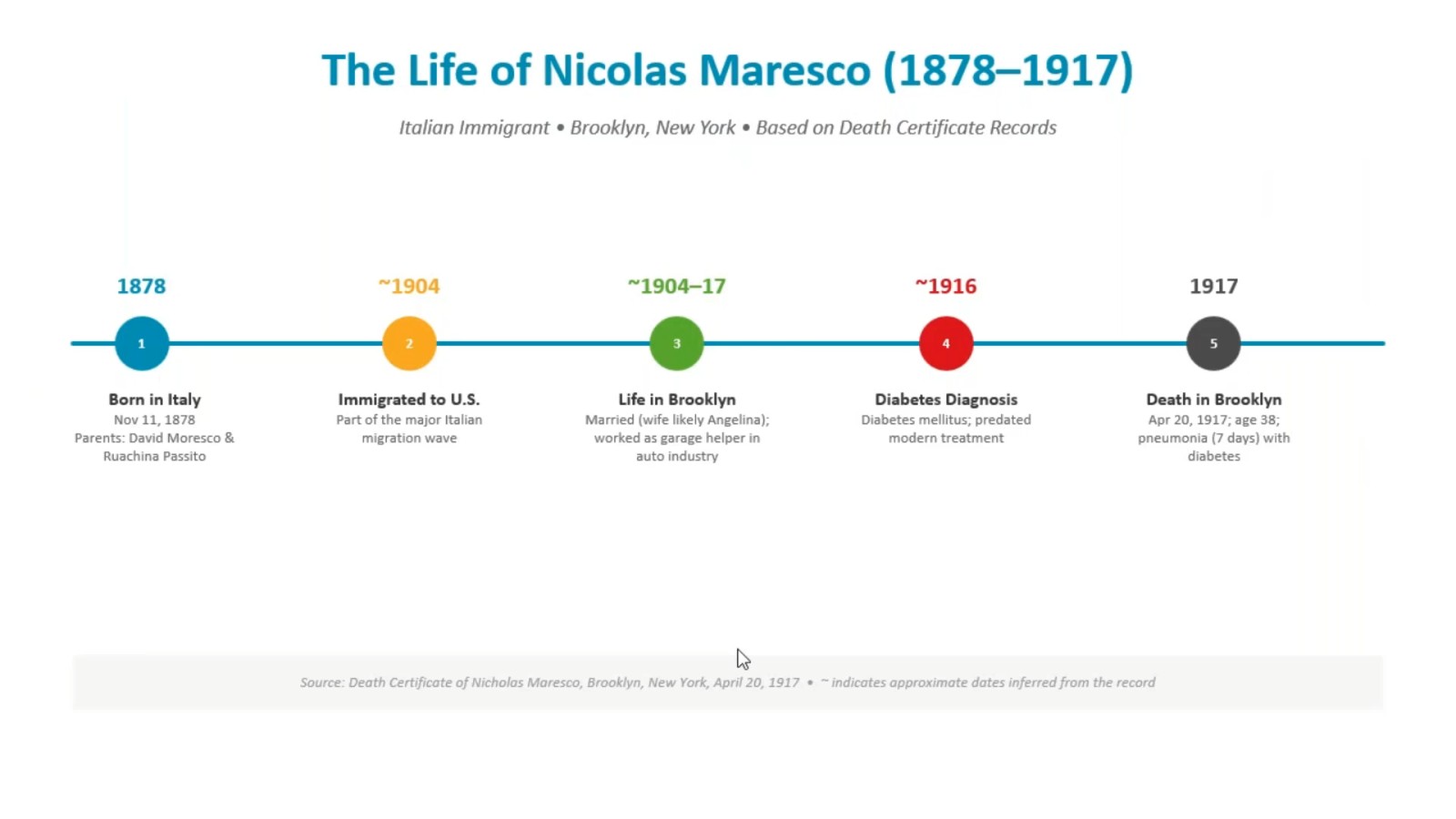
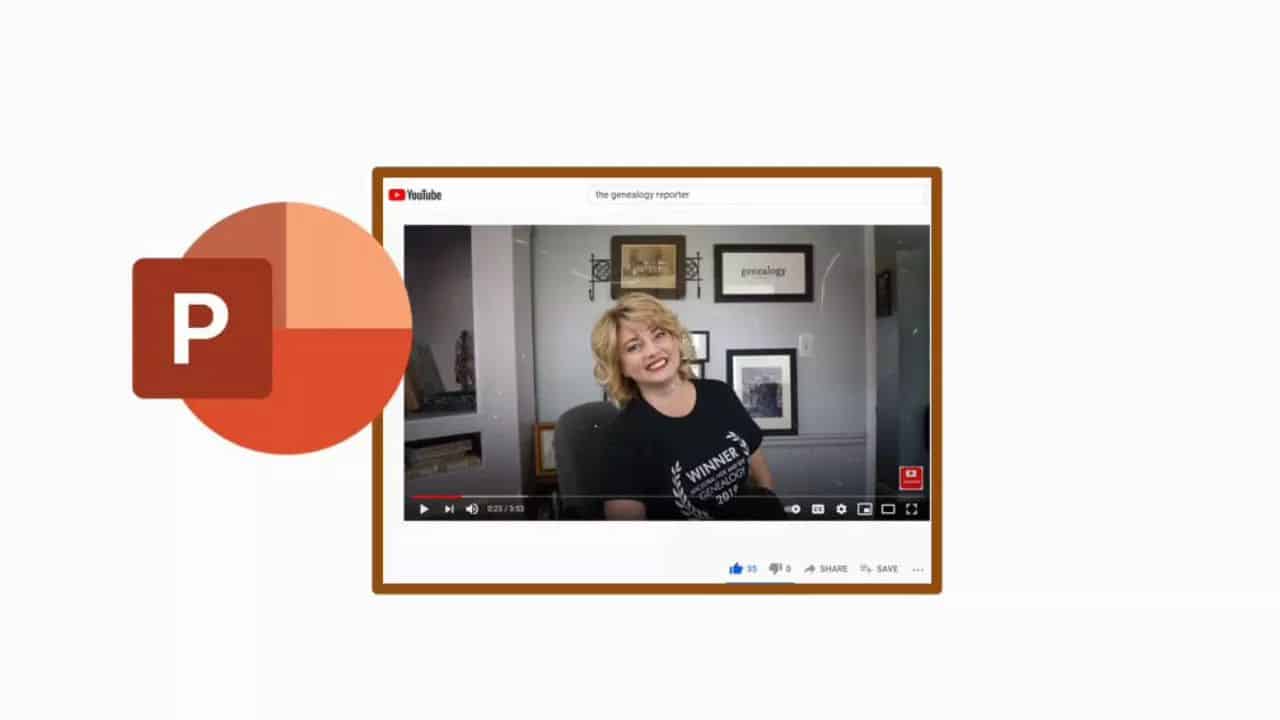
Do you have genealogy-related PowerPoint presentations full of interesting material that could benefit other researchers, except your presentations are languishing in a file on your computer? For whatever reason, do you no longer wish to share your research knowledge or material in front of a physical or digitally-linked audience? Artificial Intelligence (AI) can help you share your knowledge in a much different way. In today’s dynamic digital landscape, visual content remains a dominant force. As genealogy professionals, we are always exploring new ways to captivate, educate, and motivate our audience. Enter PowerPoint to video converters — these revolutionary tools empower us to transform our static presentations into engaging videos. It’s time to give our PowerPoint presentations the upgrade they deserve. In today’s fast-paced digital era, transforming your PowerPoint presentations into dynamic videos can elevate your content’s appeal and broaden its reach across multiple platforms. This presentation will show you how to move forward with AI to create and distribute video content.
Introduction to and Overview of Microsoft PowerPoint – Class 1 of 8
PowerPoint is part of the Microsoft Office Suite. It is similar to other programs, yet different as well. This presentation will introduce you to the program as well as the personalization options available to make the program do more work for you.
Formatting your presentation goes beyond Fonts, Bold, and Italic. Learn how to use the Font and Paragraph icons to quicken your work as well as special touches that will make your presentation more memorable.
We are a visual society. Adding Graphics (ClipArt, Photos, Shapes, SmartArt, WordArt) to your PowerPoint presentation helps make your point. This session will cover inserting, layering, grouping, and modifying the many graphics available within Microsoft PowerPoint.
Charts are a great way to display information in PowerPoint. In this session we’ll cover types of charts, the tools available for editing and customizing your charts, and the options for animating your chart for the added element of surprise!
From Presentation to Movie: Adding Motion to PowerPoint – Class 5 of 8
Ready to turn your PowerPoint into more of an action film? Adding animations to your slides and transitions between your slides sets you up for converting your presentation to a movie.
Advanced Formatting Options in PowerPoint – Class 6 of 8
Advanced formatting options for PowerPoint in this session will include Tables, Screenshots, Videos, Audio, Action Buttons, and Hyperlinks. In addition, this is where we’ll discuss the use of PowerPoint designs.
Advanced Census Research: Understanding Census Enumerators and Their Instructions
Wed, February 4 2026: 16:30 UTC
The census is one of our basic research tools, but basic doesn’t equal simple. Often a census record can raise as many questions as it answers, and some of those questions may seem unanswerable. Learn how an understanding of who the enumerators were, what their instructions prescribed, and some of the many ways they deviated from the instructions can answer many of the questions raised by census research.
The Many Faces of the Census: Beyond the Population Schedule – Agricultural, Mortality, and Industry Records
Wed, February 4 2026: 17:45 UTC
Most researchers stop at the population schedule, but census records also include valuable schedules that document farms, businesses, deaths, and community life. This session explores agricultural, mortality, and industry schedules, showing how they can be used to add depth to family history.
Case Studies in Census Conflicts – Resolving Contradictions Across Decades
Wed, February 4 2026: 19:00 UTC
Census records often contradict one another. Ages change, names vary, and places of birth are inconsistent. This session demonstrates how to analyze and reconcile those conflicts through timelines, correlation with other records, and case studies that show how to draw conclusions from imperfect evidence.
Context in the Count: Interpreting the U.S. Census With a Historical Perspective
Wed, February 4 2026: 20:30 UTC
The U.S. federal census wasn’t designed with genealogists in mind; it was created to meet the changing needs of a growing nation. This session takes you beyond the names and numbers, exploring the historical context behind each census from 1790 to 1950. We’ll examine how shifting questions, enumeration methods, and national priorities have shaped the records we rely on today. By understanding the “why” behind the census, you’ll gain tools to interpret your ancestors’ entries with greater accuracy and uncover richer stories hidden in the data.
By registering, you are submitting your information to Legacy Family Tree Webinars and agreeing to let us use it to contact you.
Thank you for registering!
You should receive a confirmation email with a link to the webinar soon.
You’ll also receive a reminder both the day before and one hour before the webinar begins. Didn’t receive a confirmation email?
You successfully registered for %s.
You should receive a confirmation email with a link to the webinar soon.
You’ll also receive a reminder both the day before and one hour before the webinar begins. Didn’t receive a confirmation email?