Registration opens for 2026 webinar series on December 29.

Registration opens for 2026 webinar series on December 29.

Using MyHeritage to Create Interactive Family Histories

Lisa A. Alzo, M.F.A.
Free

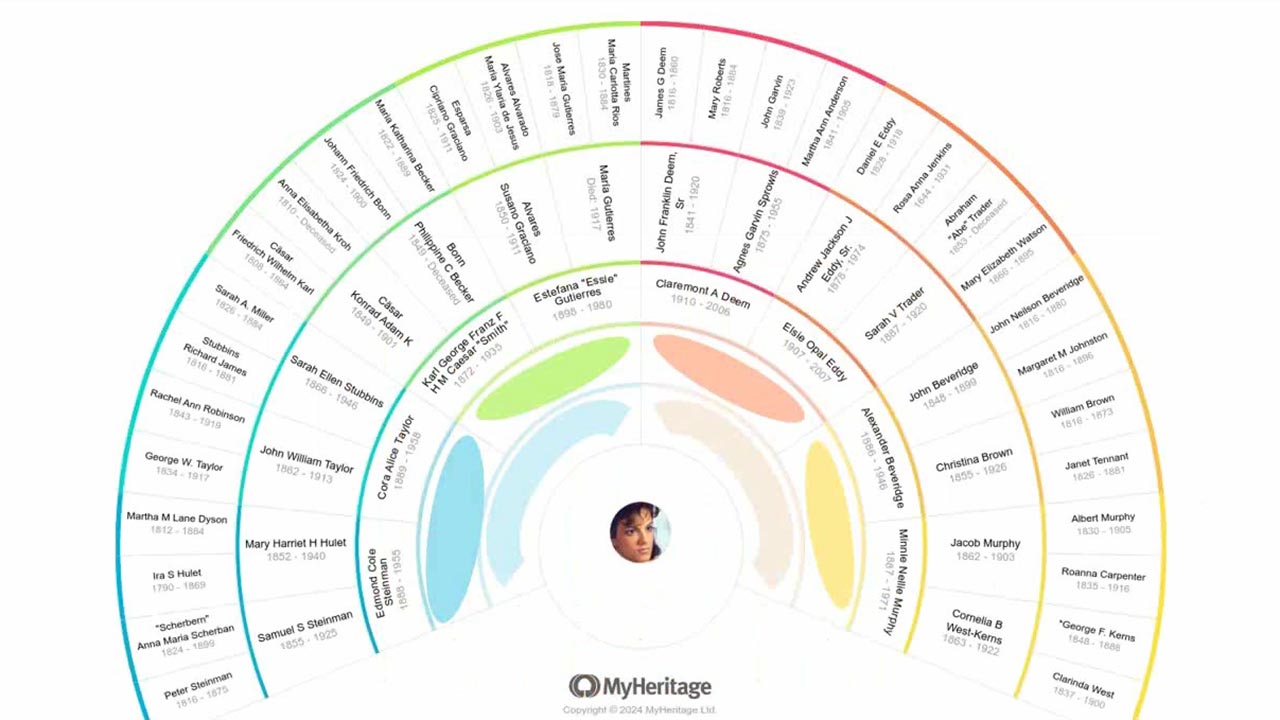
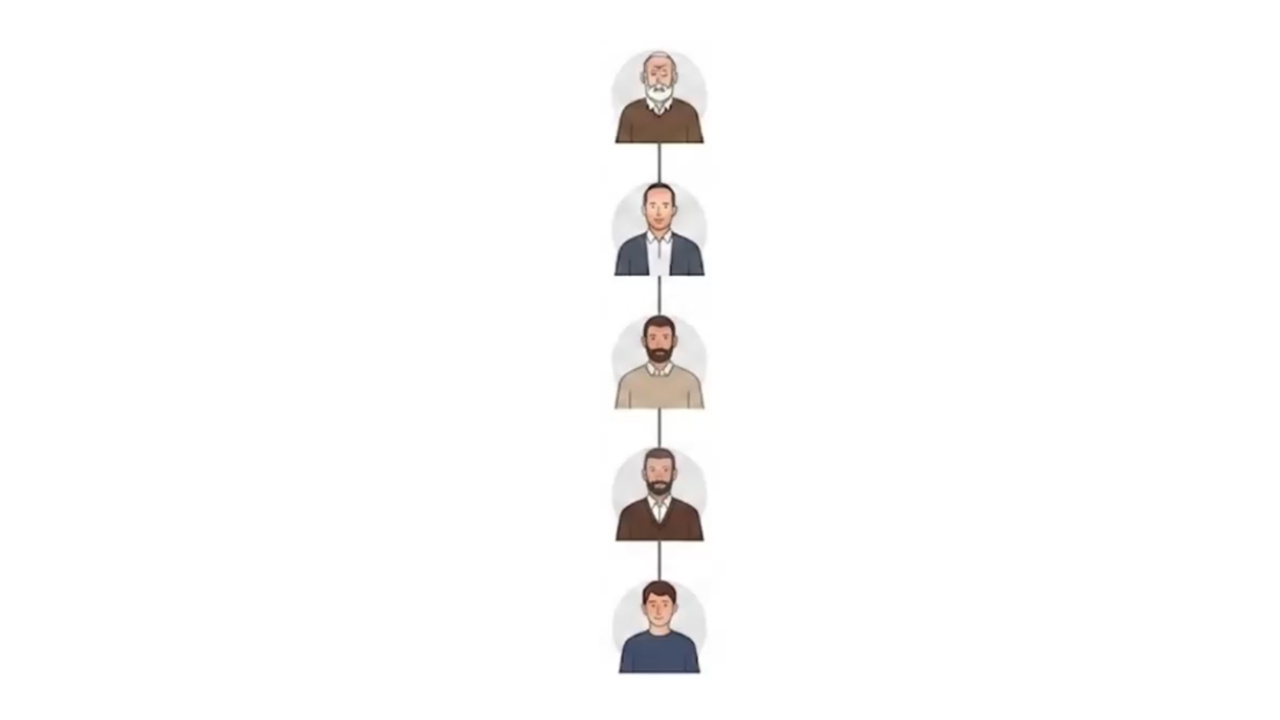
Sometimes all it takes is one story to spark the interest of the non-genealogists in your family. Learn how to leverage the power of MyHeritage tools such as AI Biographer, LiveMemory, Deep Nostalgia, and more to capture and create interactive family histories that anyone can enjoy and share.

Tue, April 28 2026: 18:00 UTC

About the speakers

About the speakers

Lisa A. Alzo, M.F.A., is a freelance writer, instructor, and internationally recognized lecturer specializing in Eastern European research and nonfiction writing. She is the author of 11 books, including the award-winning Three Slovak Women
Learn more...
MyHeritage is the leading global destination for discovering, preserving and sharing family history. Our platform and DNA kits make it easy for anyone, anywhere to embark on a meaningful journey into their past and treasure their family stories fo
Learn more...

Related Webinars

Wed, January 7 2026: 16:30 UTC
Genealogy Meets the Internet Archive and AI: A Comprehensive Review
Wed, January 7 2026: 16:30 UTC
Learn to harness the Internet Archive’s free digital library—a treasure trove of digitized family histories, city directories, census and church records—to enrich your genealogy research. Learn how to build complex prompts to build an index of surnames on a 400 page genealogy book from 1898. Learn how to extract a list of migration routes from the same book, organized by surname, then in generation order, and placed in an Excel file. With the help of AI, you can get the most out of Internet Archive.
Wed, January 7 2026: 16:30 UTC
Wed, January 7 2026: 17:45 UTC
AI as Partner, Not Replacement: Human-Led Research Planning in the Sally Keaton Case by Nicole Elder Dyer
Wed, January 7 2026: 17:45 UTC
This lecture explores how modern AI tools can assist genealogical research planning through the case of Sally Keaton, where the objective was to identify her children using limited historical records and DNA evidence. The presentation demonstrates how to structure effective research plans with AI assistance, covering essential elements including clear objectives, summaries of known facts, working hypotheses, identified sources, and prioritized strategies. Using Sally Keaton's case as the central example, the lecture showcases practical AI tools, such as side-by-side editors: Canvas (ChatGPT and Gemini) and Artifacts (Claude); also advanced capabilities including reasoning models and organizational tools like ChatGPT's Projects, Claude's Projects, Perplexity's Spaces, and Gemini Gems. While AI can create research plans on its own, human-AI collaboration produces better results. When researchers guide and refine AI-generated strategies instead of using fully automated planning, they achieve more accurate results.
Wed, January 7 2026: 17:45 UTC
Wed, January 7 2026: 19:00 UTC
Unraveling Family History with AI: Leveraging AI to Trace an Ancestor’s Journey, with Chat GPT (Free Version)
Wed, January 7 2026: 19:00 UTC
Explore how AI technology, exemplified by ChatGPT, can revolutionize your family history, by embarking on a journey through an ancestor's life.
Wed, January 7 2026: 19:00 UTC
Wed, January 7 2026: 20:30 UTC
From Problem to Solution: A Case Study Approach to Using AI in Genealogy
Wed, January 7 2026: 20:30 UTC
Artificial intelligence is changing the way genealogists work—but how do you move beyond tips and tricks to apply AI in a sound, methodical way? In this session, Andrew Redfern demonstrates how a case study approach provides the answer. Using real examples, he walks through the stages of tackling a genealogical problem with AI, showing how tools can assist with transcription, analysis, correlation of evidence, and presentation of findings. Rather than treating AI as a shortcut, Andrew highlights how to integrate it into the established genealogical research cycle—problem definition, source gathering, analysis, and conclusion. Attendees will see how AI can clarify complex evidence, save time on repetitive tasks, and support storytelling, while still requiring human expertise and critical thinking. By the end of the session, participants will have a practical framework they can adapt to their own research problems, ensuring that AI becomes a trusted partner in genealogical methodology.
Wed, January 7 2026: 20:30 UTC
Thu, January 15 2026: 1:00 UTC
Foundations in AI for Family History 1 of 5: What Is AI and Why It Matters to Genealogists
Thu, January 15 2026: 1:00 UTC
Learn the principles, tools, and responsible practices for using AI in your genealogical research.
Thu, January 15 2026: 1:00 UTC
Foundations in AI for Family History 2 of 5: Prompt Power—Getting Better Answers from AI
Thu, January 22 2026: 1:00 UTC
Learn the principles, tools, and responsible practices for using AI in your genealogical research.
Thu, January 22 2026: 1:00 UTC
Foundations in AI for Family History 3 of 5: Using AI Responsibly: Principles and Ethics
Thu, January 29 2026: 1:00 UTC
Learn the principles, tools, and responsible practices for using AI in your genealogical research.
Thu, January 29 2026: 1:00 UTC
Foundations in AI for Family History 4 of 5: Smart Tools—AI Helpers for Genealogy Tasks
Thu, February 5 2026: 1:00 UTC
Learn the principles, tools, and responsible practices for using AI in your genealogical research.
Thu, February 5 2026: 1:00 UTC
Foundations in AI for Family History 5 of 5: Building Your AI Workflow and Digital Crew
Thu, February 26 2026: 1:00 UTC
Learn the principles, tools, and responsible practices for using AI in your genealogical research.
Thu, February 26 2026: 1:00 UTC