Organizing and Tagging Photos with the MyHeritage Mobile App
Uri Gonen, MyHeritage Webinars
Content

Welcome
0:28
Speaker's Introduction
0:46
Introduction
4:51
Let's Begin
8:20
Review Identified Group
3:51
Review Unidentified Group
1:57
Privacy
5:41
Announcements / prizes
4:02
Questions / answers
28:47
About this webinar
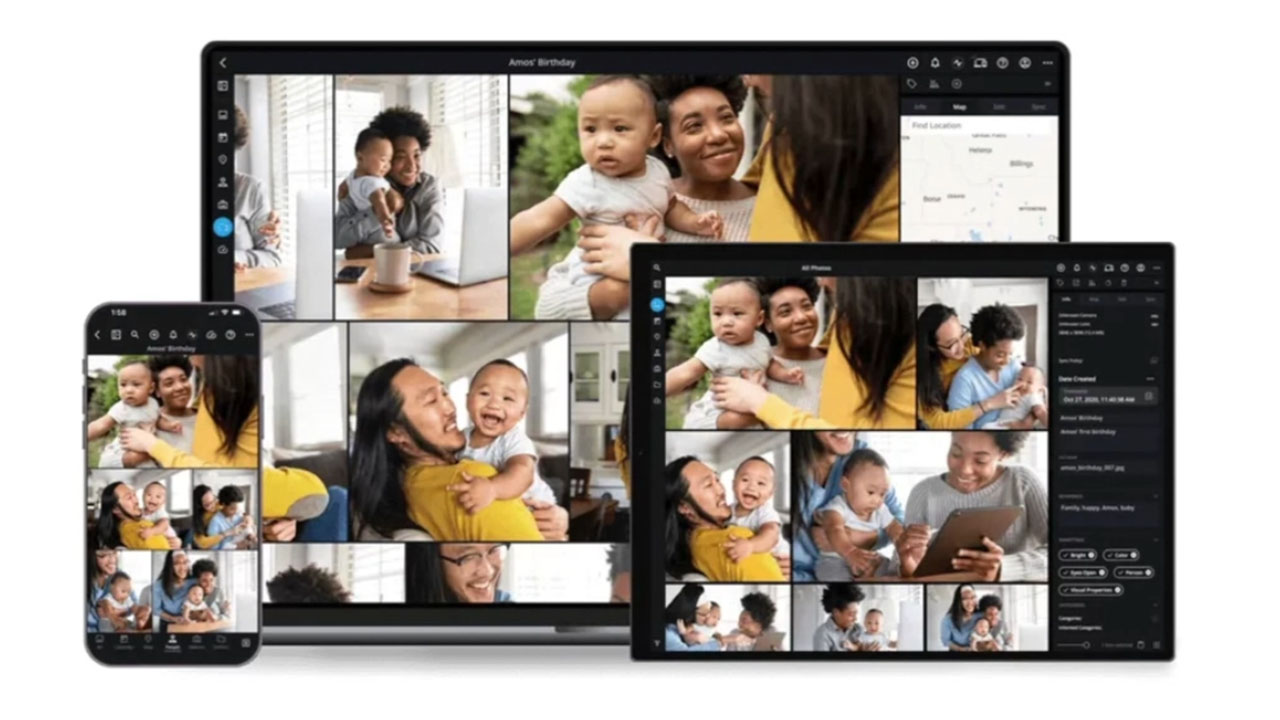
MyHeritage has become the #1 destination for working with old family photos, but if you're going to be uploading photos by the dozen to improve with the photo tools, it's important to keep them organized! Learn all about how to organize your photos on MyHeritage.
About the speakers

Uri Gonen has been working at MyHeritage since 2005 where he took on different challenges and roles in product development and product management. He has been part of the wild journey of MyHeritage fr...
Learn more...
MyHeritage is the leading global destination for discovering, preserving and sharing family history. Our platform and DNA kits make it easy for anyone, anywhere to embark on a meaningful journey into ...
Learn more...Related webinars
 00:57:02
 00:59:13
 01:06:24
 01:18:46
 01:30:42

Comments (17)
Photo Tagger app will be a great time-saver. Thank Uri for your very instructive presentation and, especially, to you and team for having the foresight to develop it.
The Photo Tagger feature has come along, for me, at just the right time. I've recently been planning to begin a project of tagging as many people in my collection, one-by-one. But now, once it's available via computer (I like working on my desktop rather than my ipad or phone), my goal will be reached MUCH MORE EASILY! Thank you. I also liked the pace of the presentation. I'm not clear about the Q&A responses but perhaps they will be clearer once I rewatch that section.
As always, My Heritage presentations are clear & thorough. This was no exception--well done!
Excellent presentation, easy to undersand and follow. I look forward to the face recognition for MyHeritage !
MyHeritage has done it again. Help tagging phitis will be so easy. I am looking forward to the desktop one as I have trouble with my sight. Thank you so much.
Very interesting and useful tool! Thank you, Uri for bringing us the webinar on this information. I look forward to playing with these features.
URI is so informative and he presents facts clearly. I love his webinars.
A great webinar.