About this webinar
Learn how to format numbers and dates in Excel and Google Sheets.
About the speaker

Key points and insights
Unlocking the full potential of historical data requires organize-and-sort capabilities that only well-structured spreadsheets can provide. In genealogical research, standardized date formats are essential for chronological ordering, preventing cross-cultural confusion between regional date conventions, and ensuring clean data integration across family tree software. This practical session demystifies how spreadsheets treat numbers and dates, providing step-by-step guidance on transforming chaotic timeline entries into clean, uniformly formatted columns across both Microsoft Excel and Google Sheets.
- Understanding Number Classification: Spreadsheets treat numerical inputs differently depending on their intended function, distinguishing traditional arithmetic values from identifiers like Social Security numbers, addresses, and customizable dates.
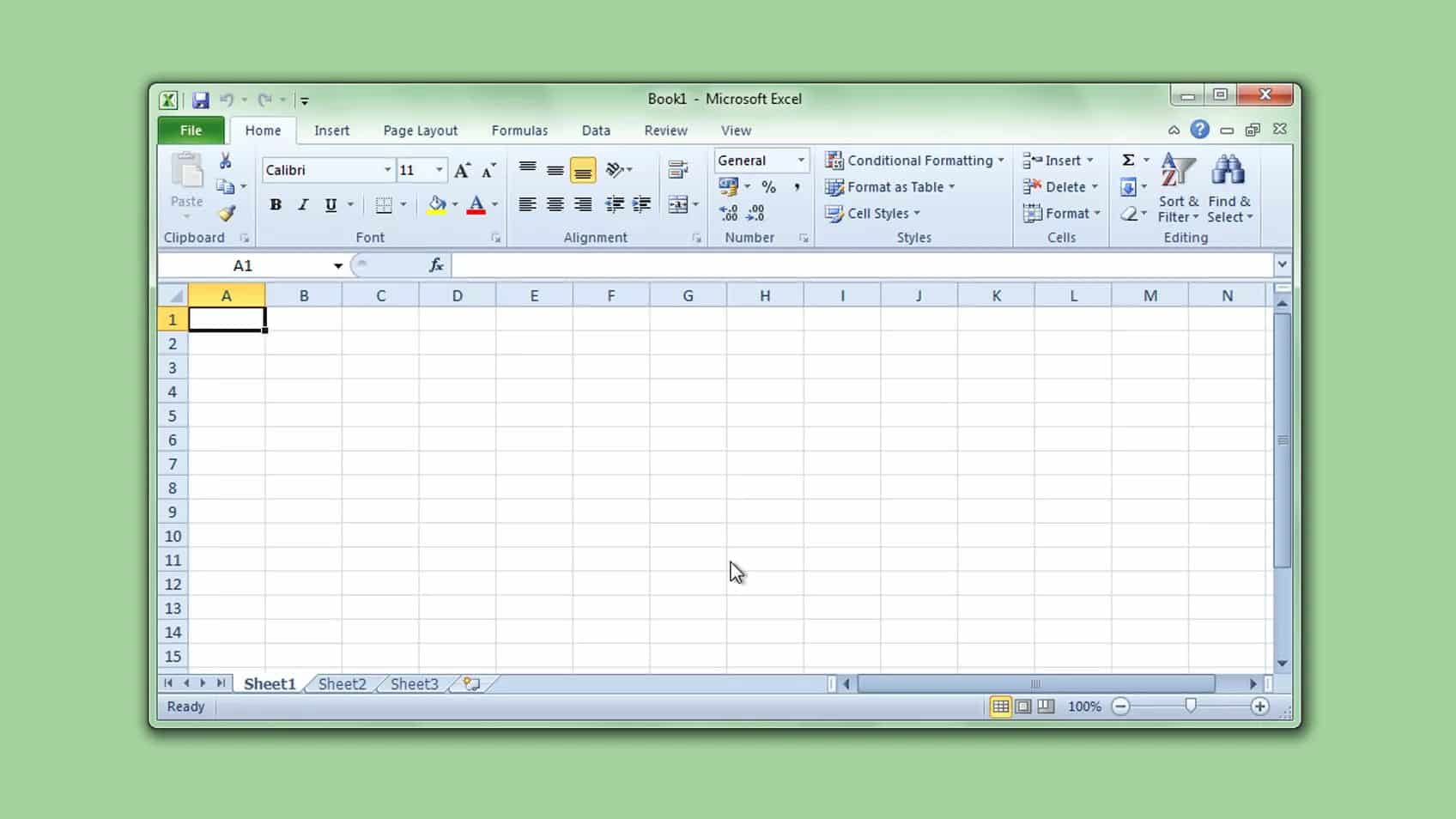
- Streamlined Batch Formatting in Excel: Genealogists can standardize an entire column of mixed dates at once in Microsoft Excel by selecting the column and utilizing the "Format Cells" dialog under the Home tab to enforce a single date structure.
- Customizing Dates in Google Sheets: Google Sheets offers a similar, flexible approach to unifying timeline data by navigating through the "Format" menu to "Number" and applying tailored options under "Custom date and time."
To see these step-by-step spreadsheet transformations in action and master your genealogical data organization, viewers are highly encouraged to watch the full webinar session.
Related webinars
 00:14:25
 01:08:18
 01:33:42