Create Maps Using PowerPoint and Google Slides
Kimball Carter, CG®

Content


About this webinar
A live demonstration of how to create maps for use in genealogical research, evidence evaluation, and/or narratives, using PowerPoint and Google Slides.
About the speaker

Key points and insights
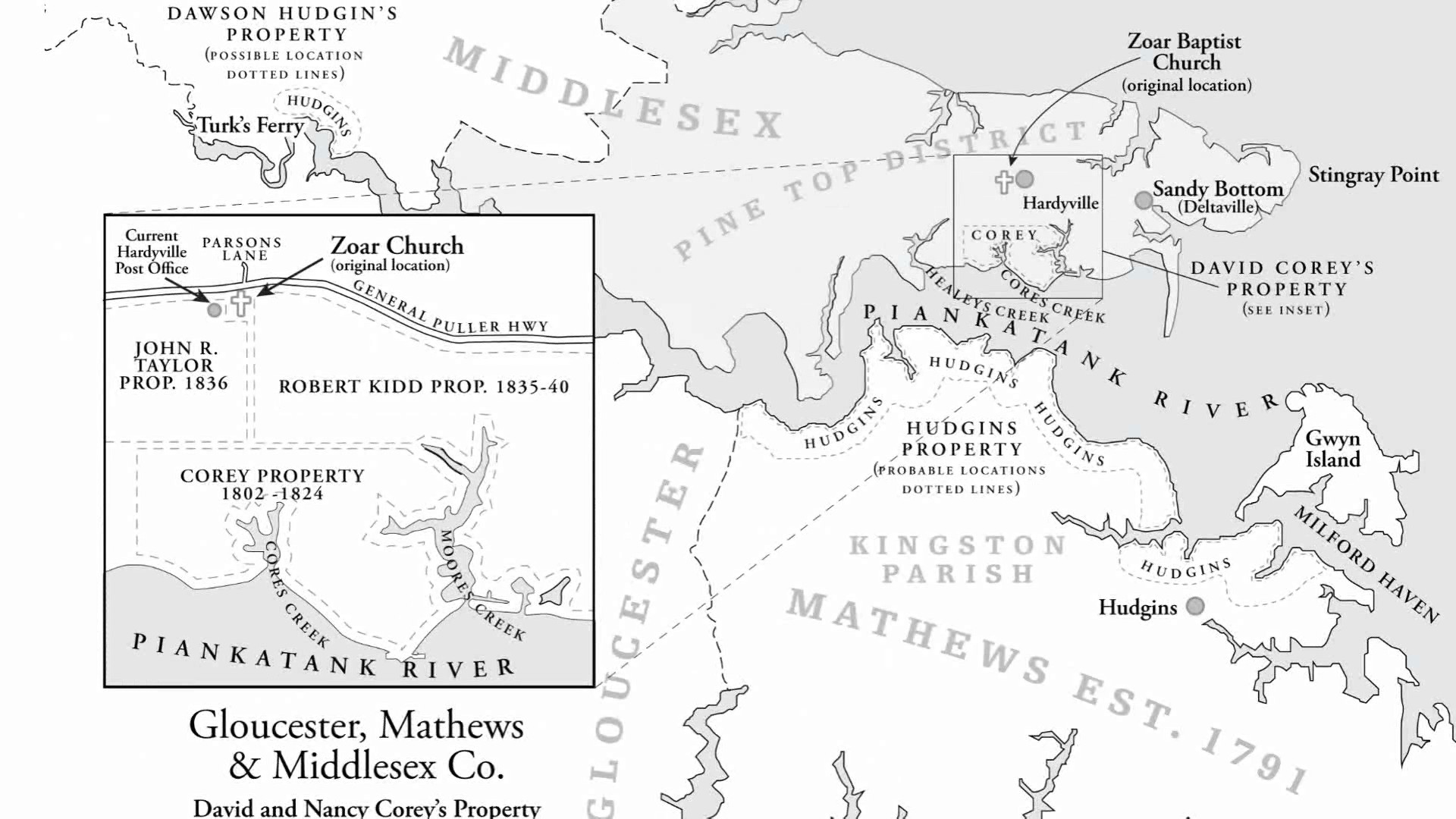
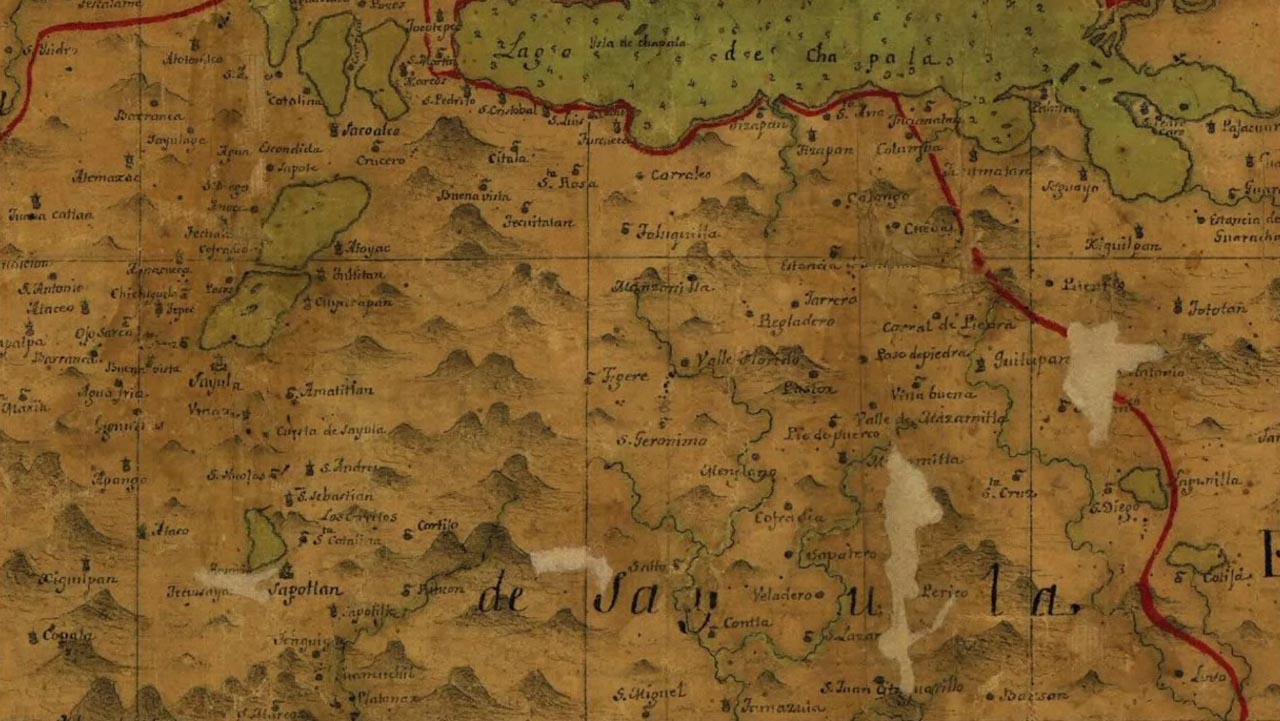
Visualizing the geography of the past is one of the most effective ways to solve complex genealogical puzzles and breathe life into family histories. In this dynamic webinar presentation, retired graphic designer and certified genealogist Kimball Carter demonstrates how researchers can harness everyday, accessible presentation tools like Google Slides and PowerPoint to create highly customized historical maps. Rather than relying on expensive or difficult design software, family historians can easily map out ancestral properties, shifting jurisdictions, and migratory pathways. Ultimately, custom mapping serves as a critical analytical tool, allowing researchers to visually test hypotheses, evaluate land records, and discover hidden proximity patterns among neighboring families that traditional text documents often obscure.
- The Power of Layered Design: Building maps sequentially by placing distinct elements—such as waterways, historical roads, and land tracts—onto separate slides ensures a clean, organized workspace. This layered methodology allows researchers to manage overlapping historical details effortlessly and tweak specific components without disrupting the rest of the project.
- Accelerating Research with Artificial Intelligence: Genealogists can dramatically cut down on design time by leveraging AI tools to automate the tracing of intricate parish or county boundaries. By uploading a map screenshot and instructing AI to remove text and highlight specific regions, researchers can generate clean, custom templates ready for immediate project integration.
- Presentation Software as Spatial Tools: Standard presentation software offers surprising advantages for spatial analysis, such as the 800% zoom capabilities and seamless image opacity controls found in Google Slides. These features allow family historians to effortlessly fade, overlay, and perfectly align historical land plats right over modern topographical basemaps.
Transforming raw genealogical data into a vivid geographical narrative can be the key to breaking through long-standing research roadblocks. Watching the full webinar recording provides invaluable, step-by-step demonstrations on sizing digital canvases to exact pixel dimensions, configuring locked background images, and accurately calculating mileage scales using modern online mapping utilities. To fully capture the depth of these digital strategies, genealogists are warmly invited to explore the additional step-by-step guides, coupon codes, and exclusive reference materials included in the session syllabus. Investing the time to look at the full resource will undoubtedly elevate the clarity, professionalism, and analytical power of any family history project or proof argument.
Related webinars
 01:05:33
 00:59:13
 01:02:43
 01:05:03
 01:06:21
 01:15:56

Comments (57)
Very, very interesting presentation. There are skills here I can apply to several projects I have been planning for a while! Thanks!
Excellent! Off to create some maps :o)
A fascinating look at what seems like it would be difficult to master, but I feel like this introduction makes it sound like something I should really try as it would be so helpful in supporting proof arguments as well as illustrating stories. Bravo!
A very interesting presentation! Will certainly have to listen to it slowly several times. Confused about his instructions using Mac verses the PCs. Thank you!
I've been looking for something like this for 10 years! Looks like I'll be using it a lot.
Very innovative use of the standard presentation tools we all may have used. Kimball made it look easy. I suspect with some practice I may be able to accomplish similar results, now that I know how to do it. Thanks for sharing your knowledge and skills.
Very interesting session. Thank you.
Very very interesting. I will have to go through it again. Well explained thank you.