Convert a JPEG image to a Word Document using Google Drive
Amie Bowser Tennant
Content

Introduction
2:12
Editing in Word
1:02
About this webinar
Have you ever received an image or a scan with text on it and wished that you could capture or edit the text without retyping it? Amie Bowser Tennant shows you how to do this with the help of Google Drive.
About the speaker

Amie Bowser Tennant is a professional research genealogist, speaker, and writer. She has a degree in Advance Family History Research and works for FamilySearch as a blogger. In addition to FamilySearc...
Learn more...Related webinars
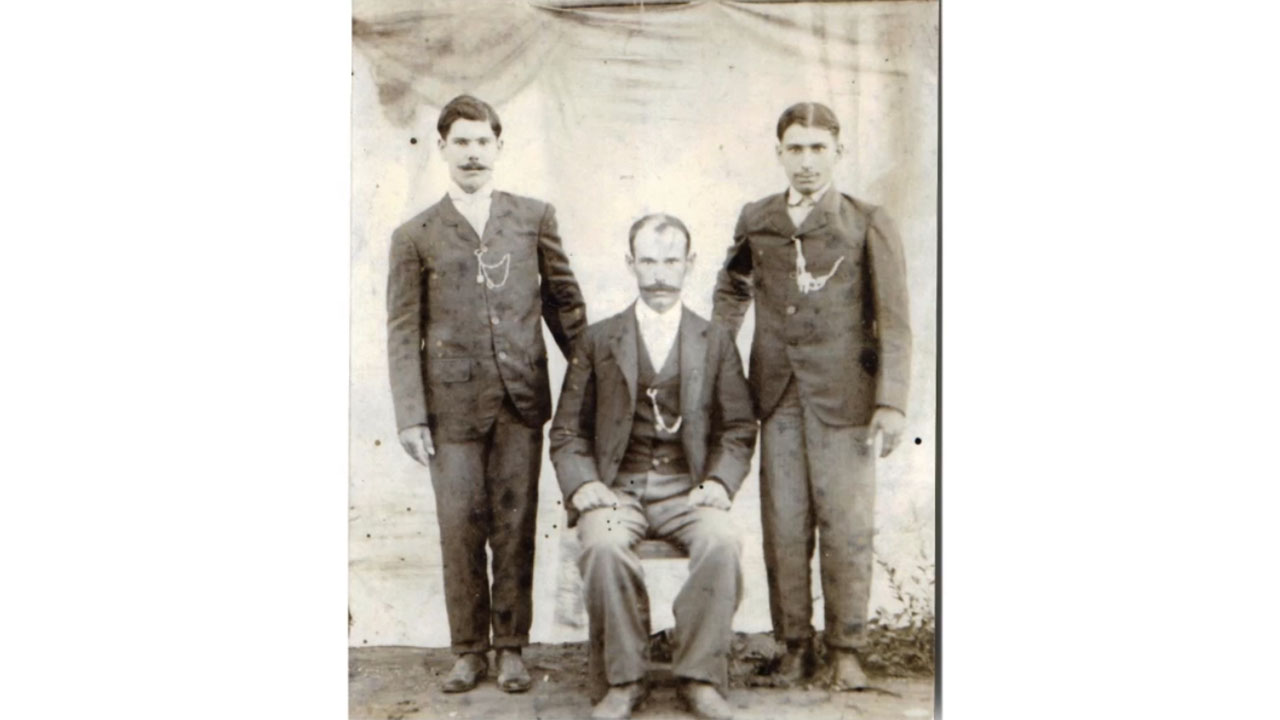 01:06:24
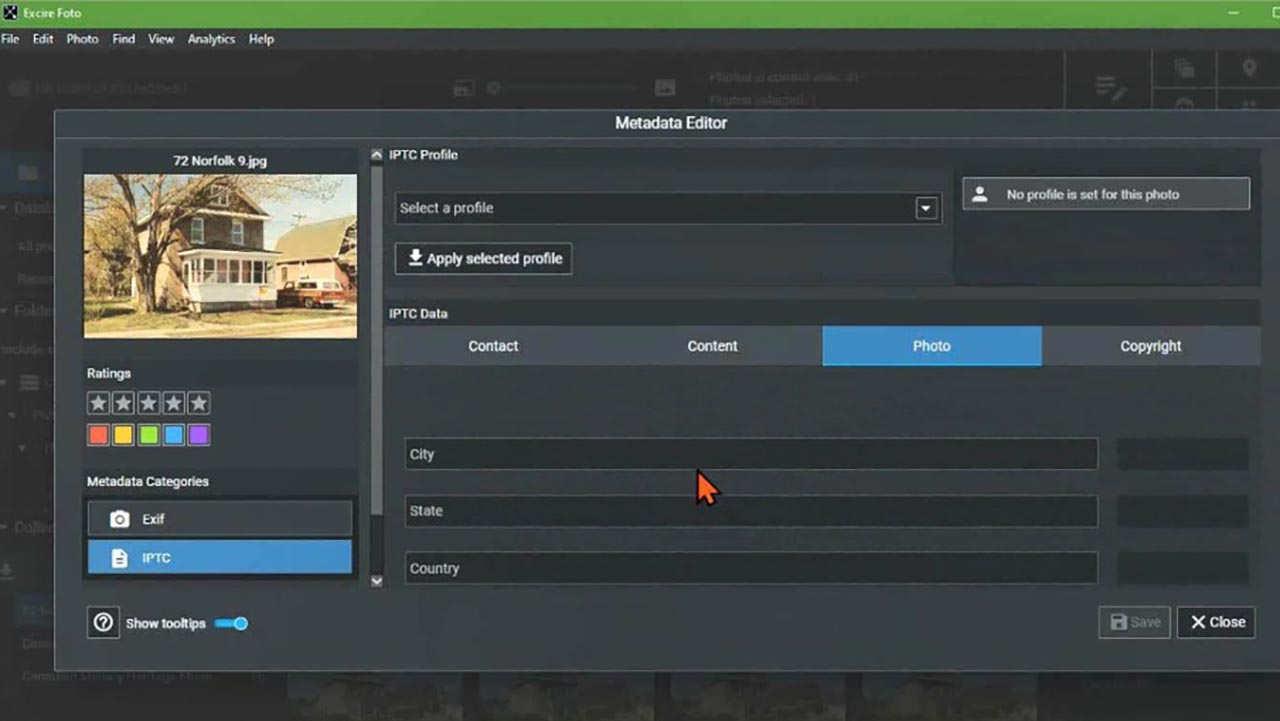 01:18:46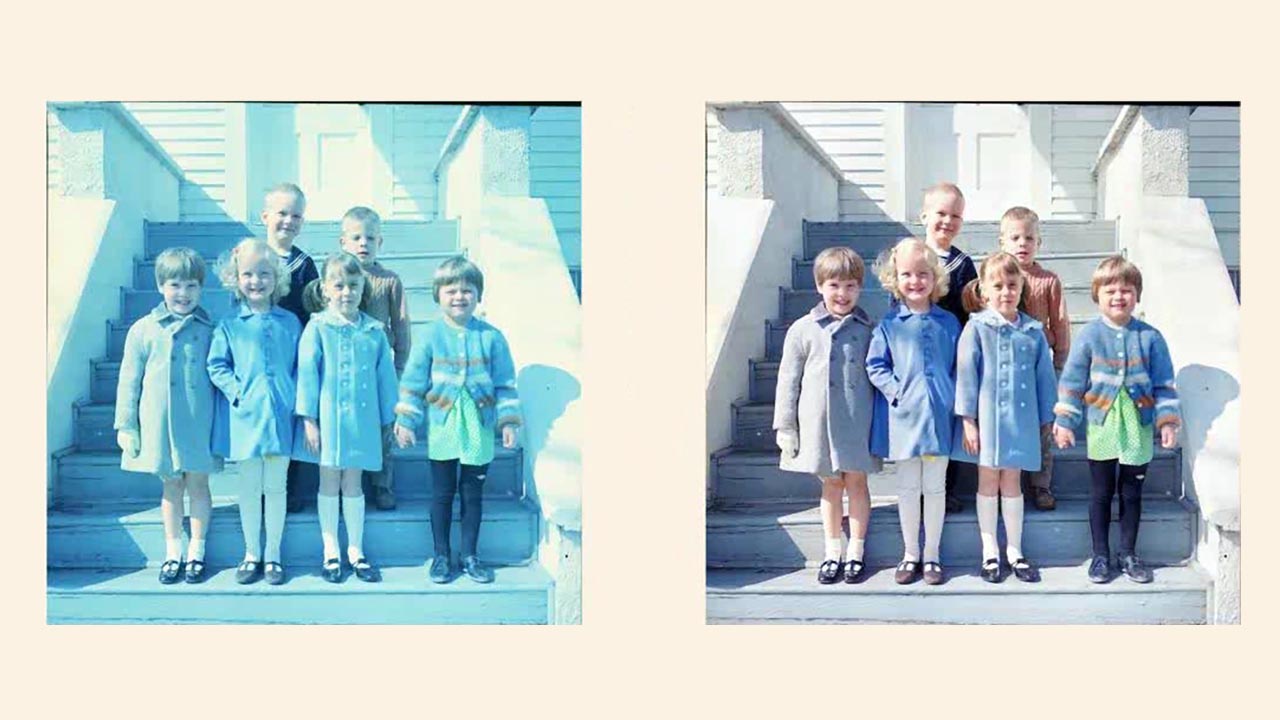
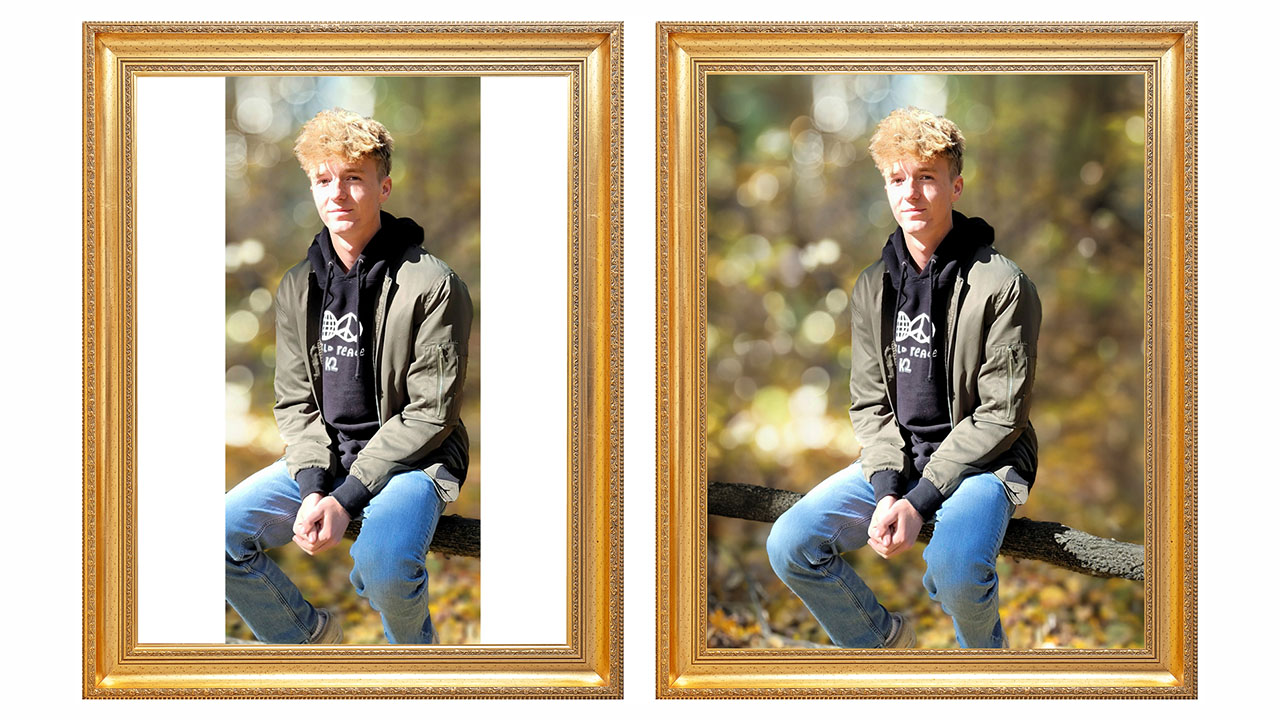
 01:30:42
 00:36:16
 01:01:56
 01:11:45

Comments (5)
Thank you so much for this great tip.
Thank you so much for this tech tip!
Thank you for such clear, simple instructions.
Awesome! I always need to do this type of conversion. Thank you.
Excellent! I have a number of documents in jpeg form that I want to edit and this is so easy! I wish I'd found this video last week - I could have saved some time. Thanks so much.